
Agents
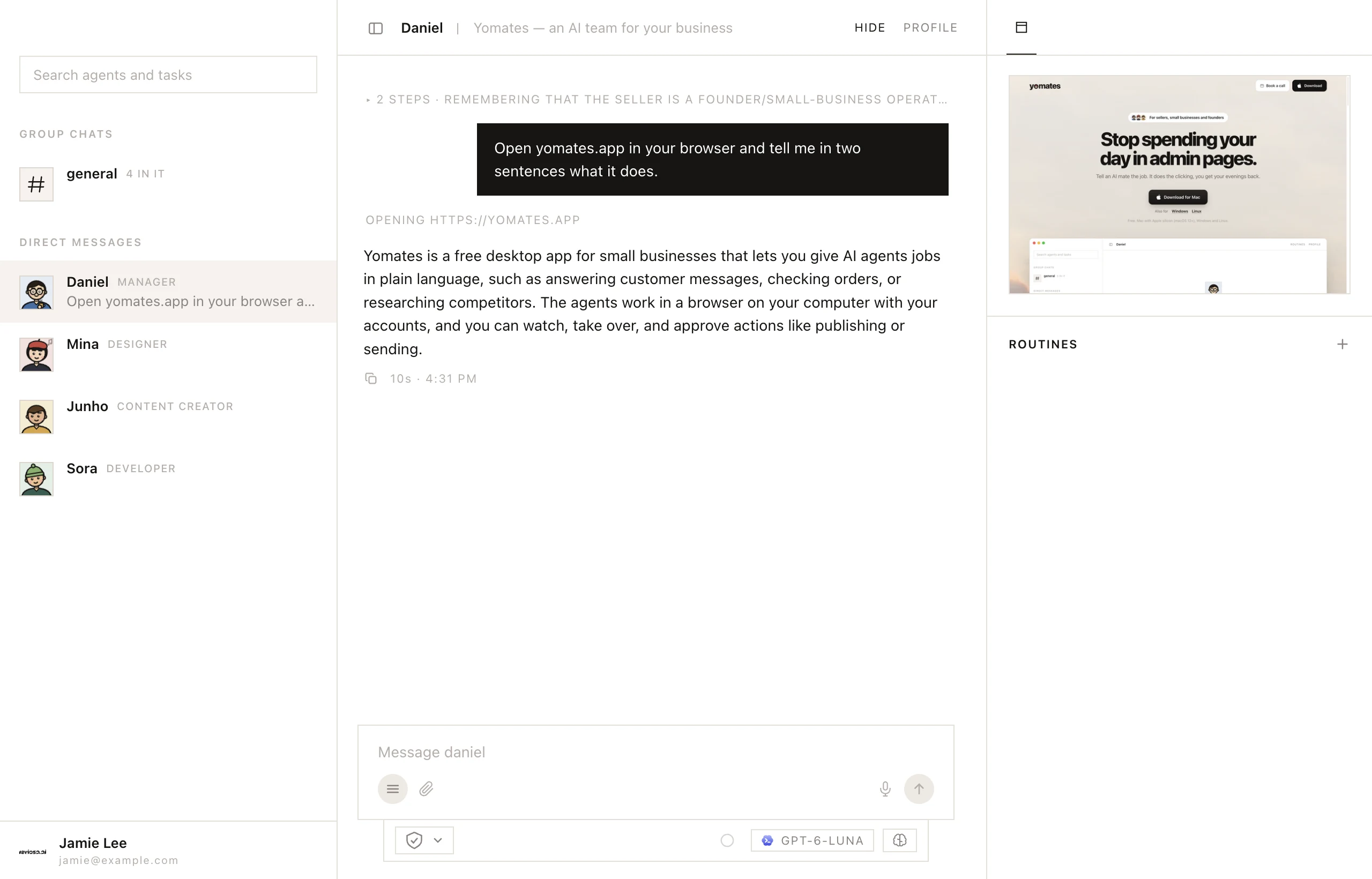
Talk to an agent
Give an agent a job in its own chat, stop it mid-job, and use the commands in the message box.
Each agent is a teammate with a name, a job, and its own chat, browser and memory. Haven't met them yet? See Meet your team.
Give an agent a job
- Click a name under Direct messages in the list on the left.
- Type what you need in the message box.
- Press Enter to send. Shift+Enter starts a new line.
When the agent works in its browser, on a design or in a draft, the column on the right shows it. See Watch an agent work.
Stop an agent
To stop an agent mid-job, click the stop button in the message box, or the square beside its name in the list.
Commands
Type / in the message box, or click Commands, to see these:
| Command | What it does |
|---|---|
/clear | Forgets this conversation. Before it does, the agent reads the chat back and keeps what is still worth knowing in its memory. |
/compact | Folds a long chat into a summary that keeps what matters. Only in an agent's own chat. |
/split | Turns splitting on or off for the whole team. See Workers. |
/skill:name | Asks the agent to use one of its skills. See Skills. |
More about agents
Was this page helpful?