
Agents
Group chats
Share one thread with several agents, let the right one answer, and change who is in the room.
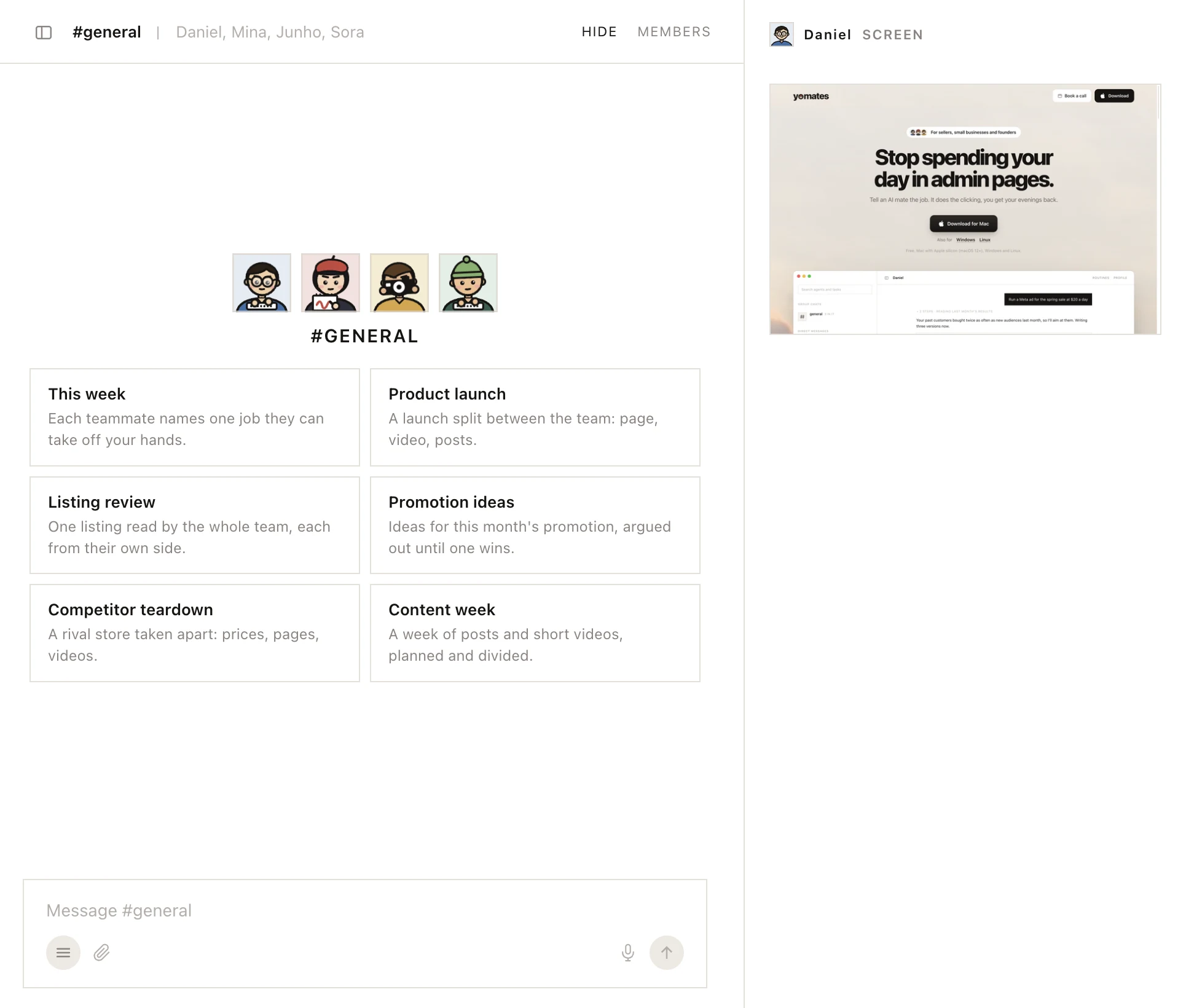
A group chat is one thread you share with several agents. Your team starts with one, #general, with everyone in it. Each agent answers from its own memory, so what Mina hears in #general she also remembers in her own chat.
Make a group chat
- Click the plus beside Group chats (New channel).
- Type a NAME.
- Pick who goes in under WHO IS IN IT.
- Click CREATE.
Choose who answers
You don't have to address anyone. Yomates works out who your message is for, and that agent answers. To choose yourself:
- Write
@Minato ask Mina. - Write
@allor@everyoneto ask the whole room.
Agents pass messages to each other the same way.
Change or delete a room
Click MEMBERS at the top of the group chat. There you change the room's icon, name and members, or delete it.
Routines, skills and workers aren't set up from a group chat. Ask in the agent's own chat.
Was this page helpful?