
Routines
Check and change routines
Find what each routine reported, see every routine on one calendar, and pause, edit or delete them.
Where the results land
- Each run shows in the agent's chat under a
▸line with the routine's name, then the steps and the report. - A run starts fresh: the agent has its memory, skills, browser and connected apps, but not the chat so far. Put everything the job needs in the INSTRUCTION. Each routine keeps its own notes between runs, so "tell me what changed since yesterday" works.
- For a notification when an agent finishes, turn on NOTIFICATIONS in its PROFILE (the ABOUT tab). You aren't notified while that agent is open in front of you.
- For reports on your phone, connect Telegram, Slack or Discord and turn on Every reply (Telegram, Slack and Discord).
See every routine on one page
- Click your name at the bottom of the left column.
- Choose Schedule (⌘⇧C on a Mac).
REPEATING lists every agent's standing routines, and the month calendar shows the one-off ones on their day. Click an entry to open it.
When routines run, and when they wait
- Only while Yomates is open and the computer is awake. Routines don't run while the computer is off.
- Closing the window doesn't stop them: Yomates stays in the menu bar (the system tray on Windows and Linux) until you choose Quit Yomates there.
- AT A TIME OF DAY needs the app open at that time or within the hour after. A run missed by more than that waits for the next day.
- ONCE: if the app was closed at that moment, the reminder runs the next time you open Yomates.
- A routine doesn't interrupt. While the agent is busy with you, or you have taken over its browser, the run waits. Routines due together start one after another.
- During a run, a message you type to that agent waits until the run ends. The stop button in the message box ends the run.
Pause, change or delete a routine
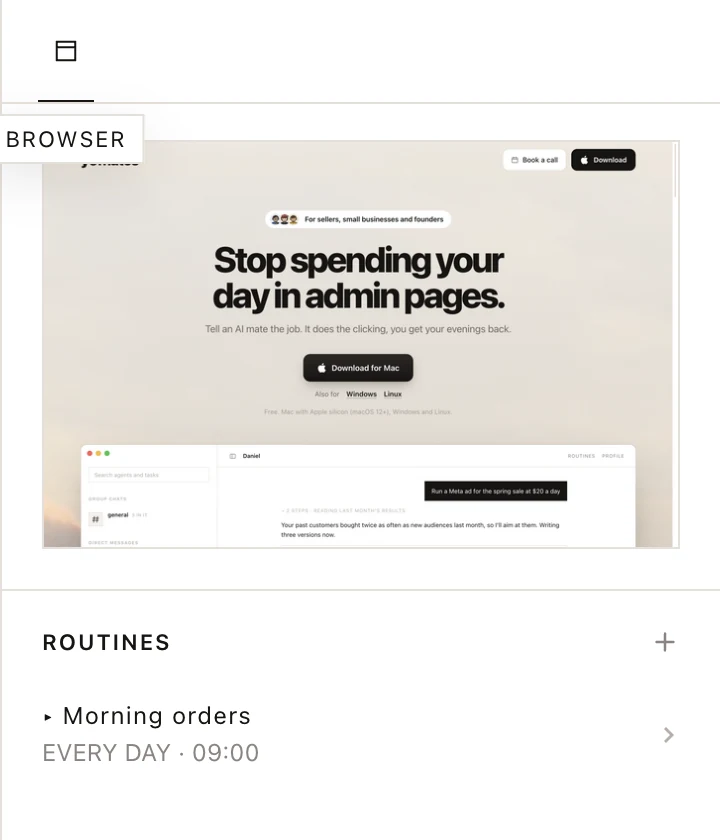
- Click the routine in the agent's ROUTINES list, or in Schedule.
- To pause it, use the switch at the top. The list shows PAUSED; switch it back to make it ACTIVE.
- To change it, edit any field.
- To delete it, click DELETE in the panel, or click the ✕ on its row in the list and then click again to confirm.
You can also ask the agent: "pause the morning report".
The ✕ and DELETE can't be undone. To stop a routine for a while, pause it instead.
Was this page helpful?