
Approvals
Answer questions and approvals
Reply when an agent asks you to choose something or to OK a big action, including when you're away from the computer.
Answer a question
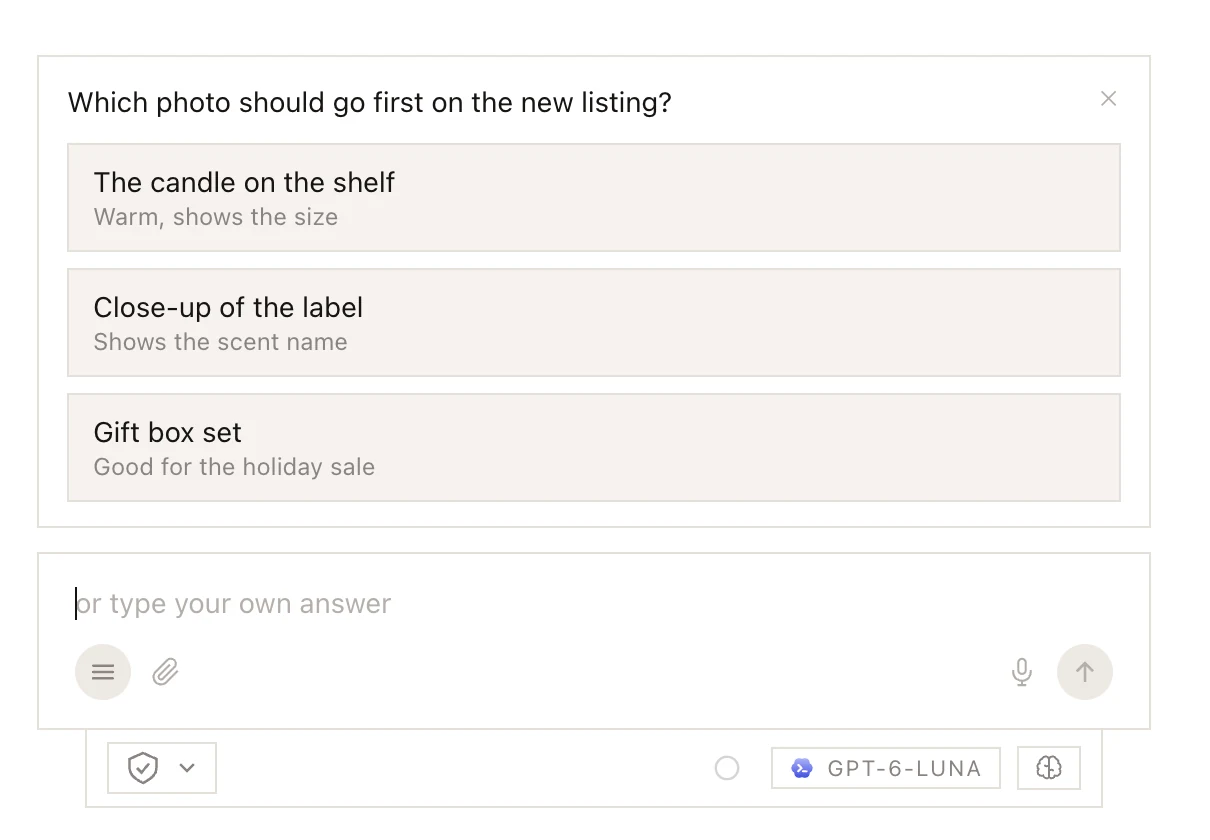
When the choice is yours (which photo, what price, which listing), the agent asks in a panel above the message box, with the answers as buttons.
- One question: click an answer to send it.
- Several answers allowed, or several questions in tabs: answer them all, then click Submit.
- Your own answer: type it in the message box (it now says or type your own answer) and press Enter.
- No answer: click ✕ or press Esc. The agent decides and tells you what it picked and why, or stops if only you can decide. The chat shows skipped.
A number such as +2 means more questions are waiting. Once you answer, the question and your answer stay in the chat as one line.
In a group chat, the panel shows which agent is asking, and a message that calls someone with @ goes to the room instead of answering.
Say yes or no
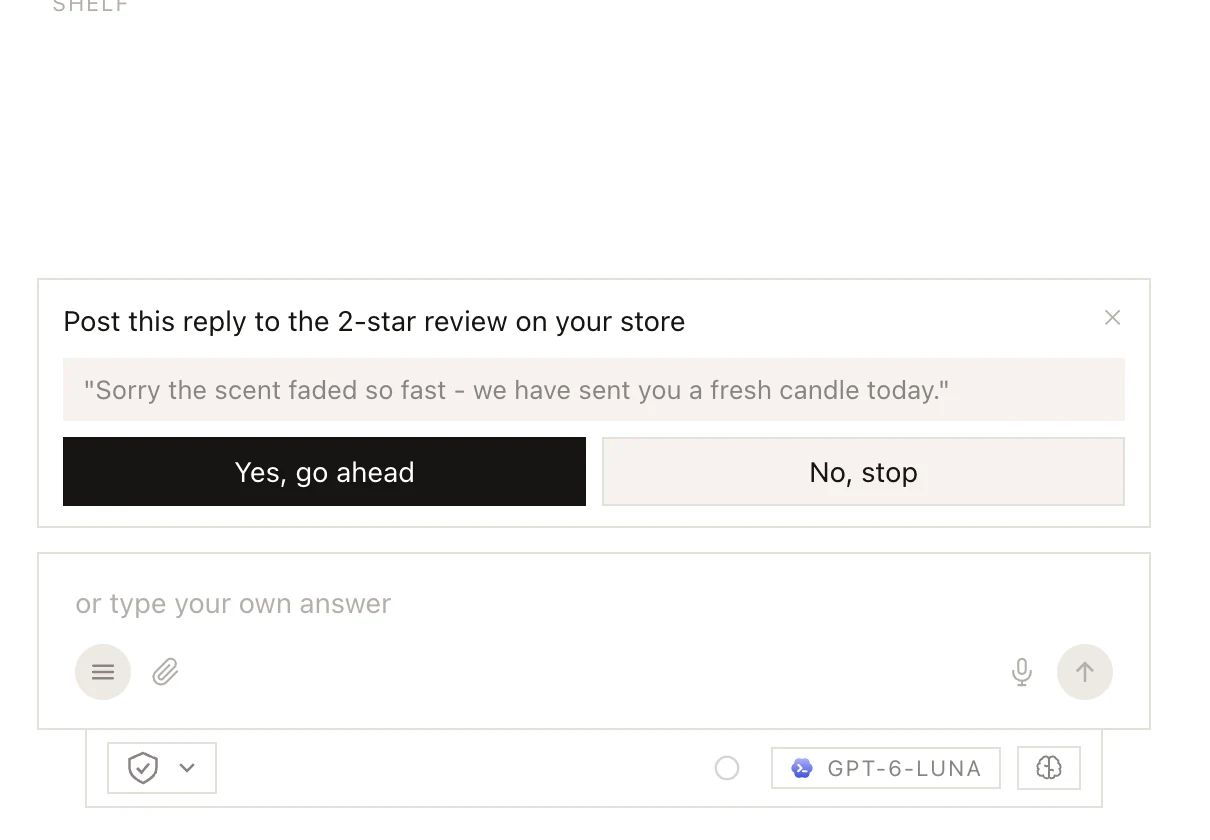
Before a big action, the panel asks for your OK, with the details underneath. For a command, View command details shows exactly what will run.
- Yes, go ahead lets that one action run.
- No, stop refuses it. The agent asks you what to do instead and doesn't try another way.
- ✕ or Esc counts as no.
- Or type in the message box: a plain "yes" or "네" counts as yes, and anything else goes to the agent as your answer.
If you change the permission setting while the panel is open, the agent tries again under the new setting.
Workers (helpers an agent sends off on part of a job) can't ask you anything. What needs your OK goes to the agent that sent them.
When you're away
While an agent waits, the top of its chat says needs you, and with NOTIFICATIONS on in its PROFILE you get a notification. A job given from Telegram, Slack or Discord sends its questions there too, with the answers as buttons. With Every reply on, every agent's questions go there (Telegram, Slack and Discord).
If nobody answers a routine's question within ten minutes, the agent finishes what it can and says in its last message what is waiting for you.
Logins
When an agent needs a login it doesn't have, the panel shows boxes instead of buttons. What you type goes straight into your saved logins when you click Save, and the agent never sees it. If the agent has the site open, I'll type it on the site lets you type it into the page yourself. See How agents use passwords.