
Get started
Connect your AI
Connect the Claude, ChatGPT or Gemini plan you already pay for, so your agents have something to think with.
Yomates works through each plan's own official program, which it installs and signs in to for you. You can connect more than one plan.
Connect your plan
After you sign in, the Connect your model. screen lists three plans. Pick yours.
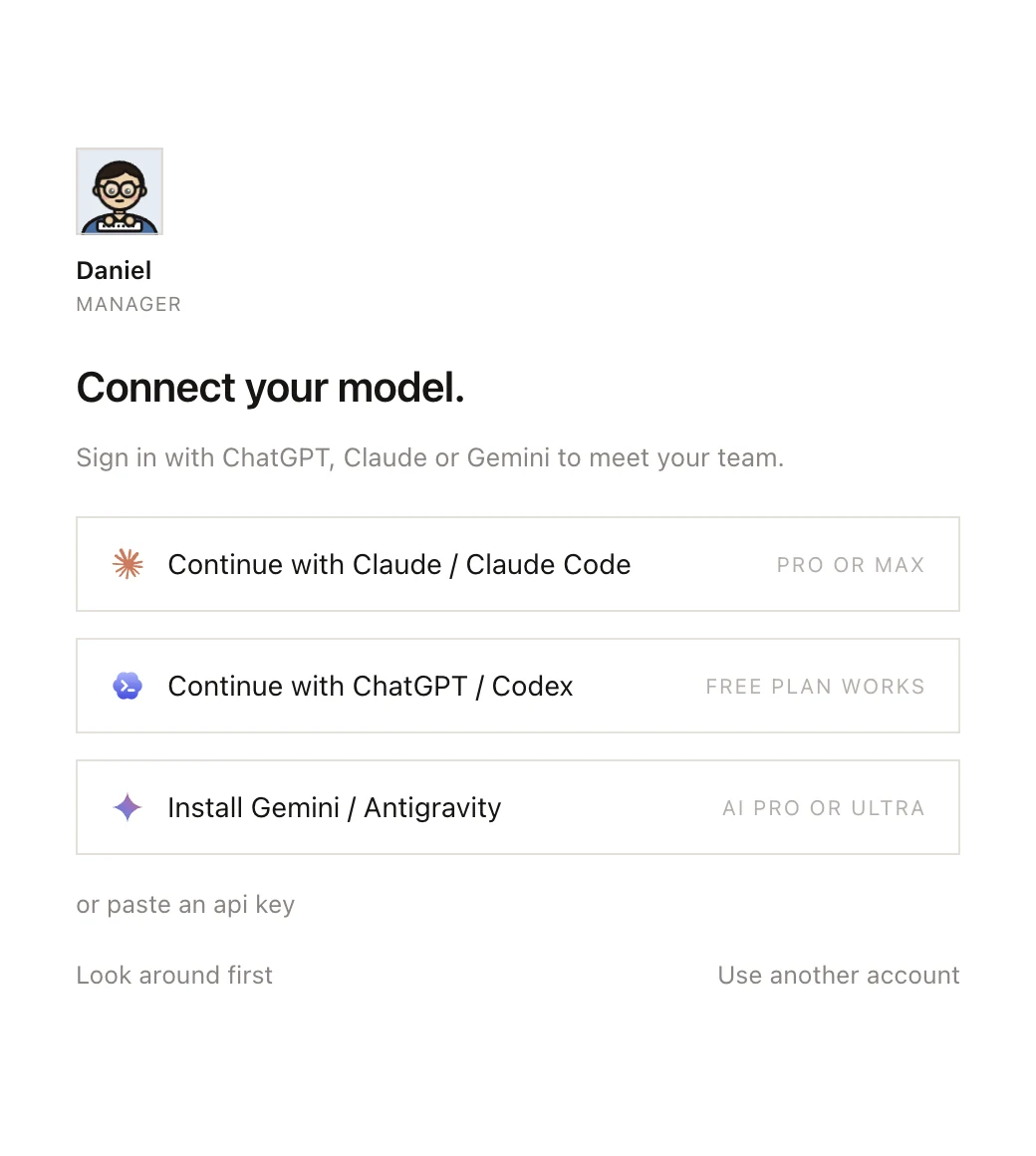
You need a Claude Pro or Max plan. Yomates runs it through Claude Code.
- Click Continue with Claude / Claude Code.
- Sign in to Claude in the web browser that opens, and allow access.
Any ChatGPT plan will do: the row says Free plan works. Yomates runs it through Codex.
- Click Continue with ChatGPT / Codex.
- Sign in to ChatGPT in the web browser that opens, and allow access.
You need a Google AI Pro or Ultra plan. Yomates runs it through Antigravity.
- Click Continue with Gemini / Antigravity.
- Sign in to Google in the web browser that opens, and allow access. Yomates shows Allow in your browser, then press Copy.
- Press Copy on the Google page that shows a code. Yomates takes the code from the clipboard and finishes the sign-in. You don't paste it anywhere.
Come back to Yomates: the screen closes once the plan is connected.
No plan? Click or paste an api key to use an API key instead, or Look around first to see the app before you connect anything. Agents can't work until a plan or a key is connected.
If the row reads Install instead of Continue with, the program isn't on your computer yet. Click it, and Yomates installs the program first, then goes on to the sign-in. While Yomates waits for you, the row reads Waiting for your browser…. Click it again to cancel.
Connect a plan later
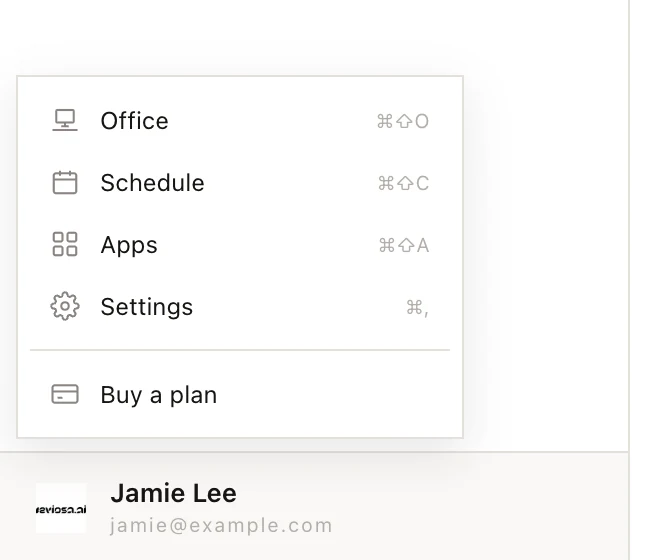
- Click your name at the bottom of the left column.
- Choose Settings, then Models. Each plan has a card, with the program it runs through under its name.
- Press SIGN IN on your plan's card. If the button says INSTALL, Yomates installs the program from its maker first.
- Sign in to your plan in the browser that opens, and allow access. While Yomates waits, the square in the card's top-right corner turns amber and the button reads WAITING… CANCEL. Press it to give up.
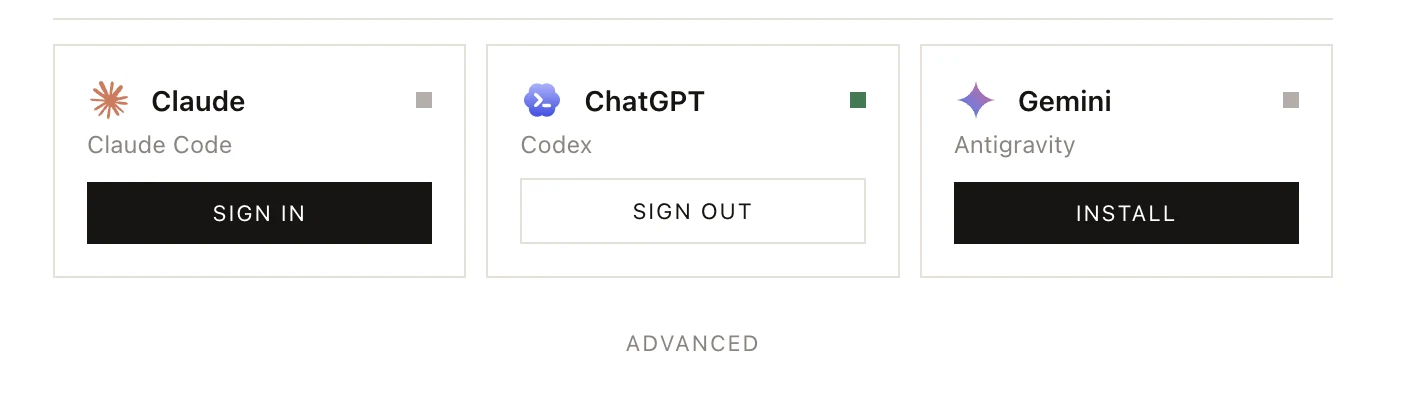
When the square turns green and the button reads SIGN OUT, the plan is connected. To disconnect it, press SIGN OUT, then press it again to confirm.
Yomates keeps its own sign-in for these programs. Signing in or out here does not change a Claude Code, Codex or Antigravity you use in a terminal on the same computer.
API keys and choosing a model for each agent are in Models and API keys.