
Get started
Sign in and set up
Sign in with Google or Kakao, bring back an old workspace or backup, and answer Daniel's questions about your work.
Sign in
- On the first screen, click Continue with Google. In a Korean window there is also Continue with Kakao.
- Finish signing in to your Google or Kakao account in your own web browser, which opens by itself.
- Come back to Yomates.
While Yomates waits, the button reads Waiting for your browser…. Click it again to cancel.
The EN button at the bottom of the sign-in screen switches the app to Korean, and then reads KR. Later, change the language in Settings → General, under LANGUAGE.
Bring back your old work
Yomates may ask about work you already have:
- This computer has a workspace from before. Choose Bring existing workspace to move its agents, chats and files into your account, or Start fresh.
- Your account has a cloud backup from another computer. A Restore your backup window offers RESTORE or START FRESH. See Cloud backup for what a backup holds.
Tell Daniel about your work
Daniel, your manager, asks a few short questions so he can put your team together. Click Continue after each answer.
- Click Let's start.
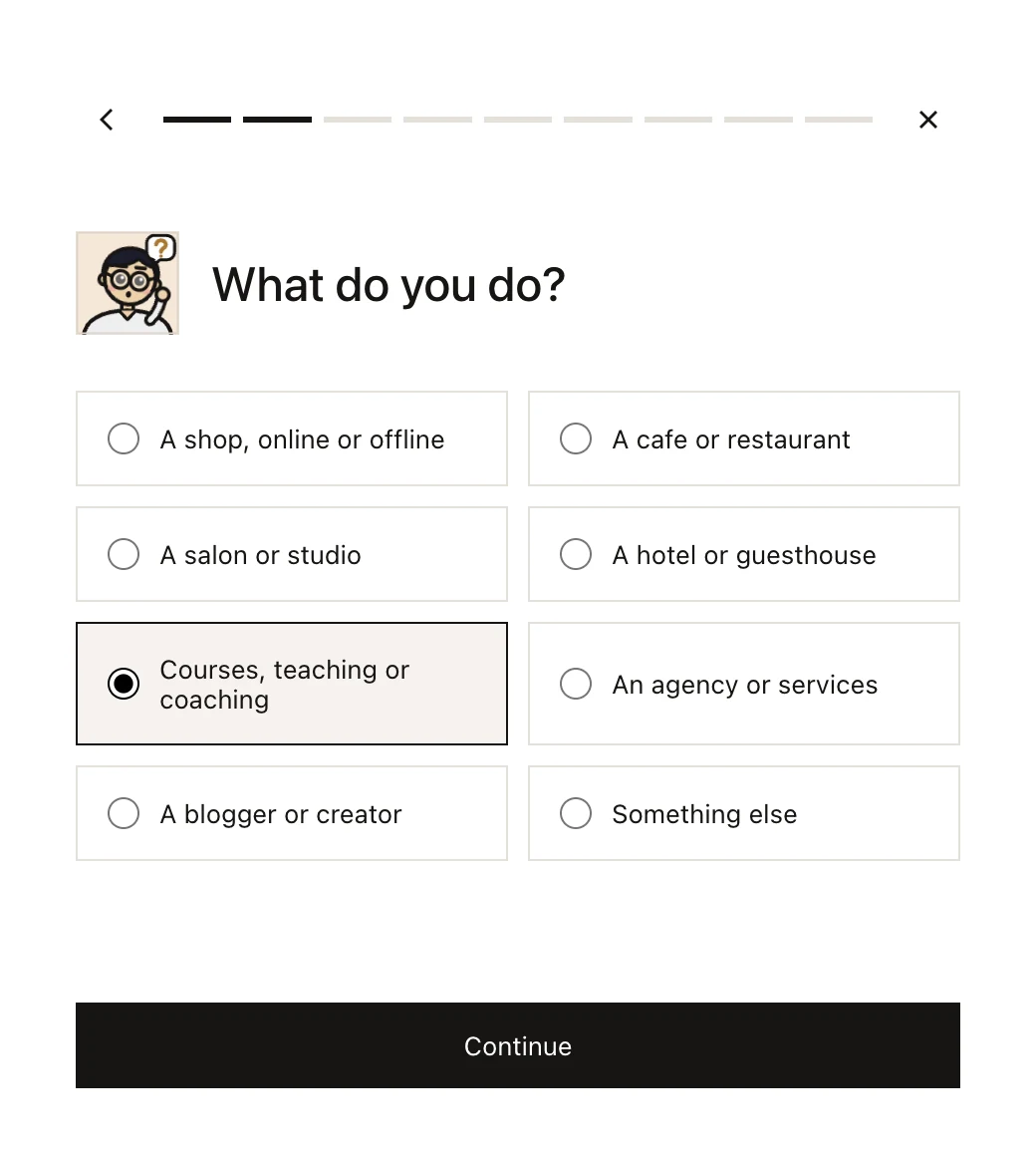
- Pick the kind of work you do under What do you do?, from a shop or a cafe to courses or an agency.
- Describe it under Tell me in a few words, and add your website, Instagram, store or map page if you have one.
- Tick what takes your time under Where does your week go?: chats with customers, reviews, photos, pages, ads and so on.
- Move the slider under How many hours a week does that take? and click Count it. The next screen shows those hours as working days a year.
- Tick what fits under What's the worst part of it? and What would you do with that time?
- Check your answers under Here's what I heard, then click Build my team.
The arrow at the top left (Back) returns to the previous question. The ✕ at the top right (Set up later) skips the questions.
Next, Yomates asks you to connect your AI.
Was this page helpful?