
Skills and memory
Memory
See what your agents remember about you and your business, correct it, and set rules for the whole team.
Memory is what is true about you and your business. An agent reads it at the start of every chat. How a job is done goes in a skill instead.
What an agent remembers
- After each of your messages, the agent checks what you said for anything worth keeping: what you sell, who a supplier is, how you write a price. Only your own words are kept, never the pages it reads.
- You can also say it outright: "remember that we ship on Tuesdays".
- Either way, the chat shows remembering that …. When a note is dropped, it shows forgetting that ….
See and correct an agent's memory
- Open the agent's chat and click PROFILE.
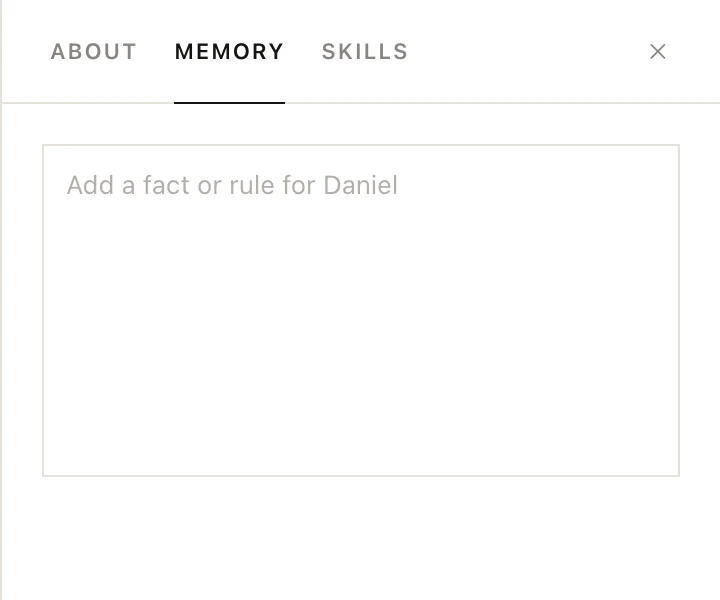
- Click the MEMORY tab. The agent's notes are in one box.
- Edit a line, delete one, or write your own. The box saves when you click outside it.
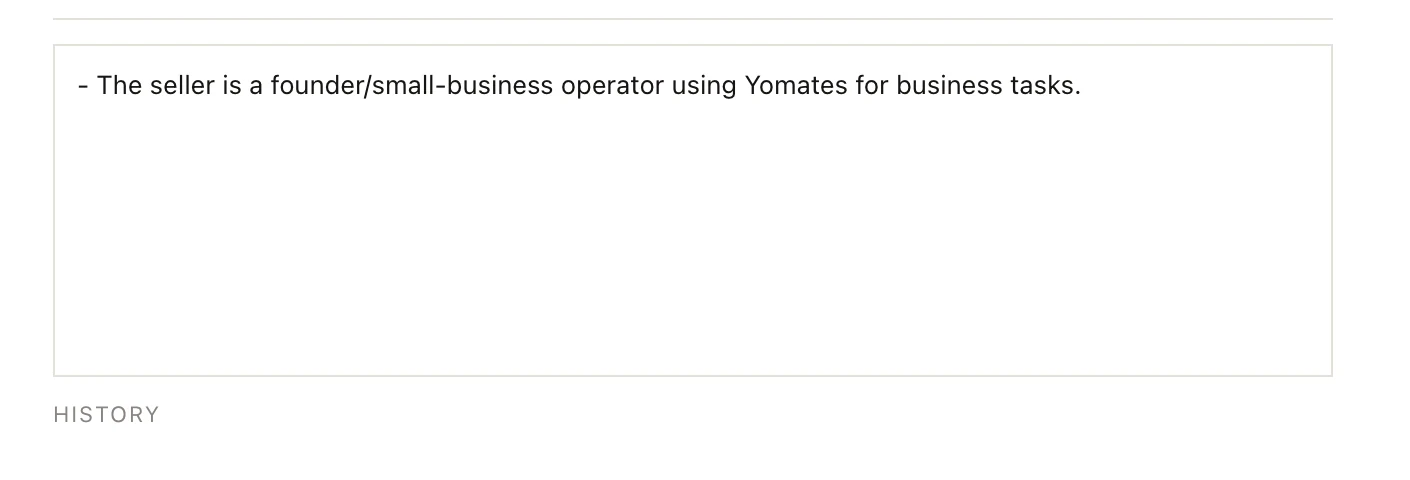
- To see the latest changes, with who made them and when, click HISTORY under the box. Undo takes one back.
Emptying the box clears the agent's memory.
Team memory
Rules and facts that every agent follows, such as a supplier never to use or how prices are written, go in team memory. Agents read it before their own notes, and workers sent off on part of a job read it too. When you tell an agent something is for everybody, it keeps it here.
- Click your name at the bottom of the left column and choose Settings.
- Choose Memory.
- Write in the box. It saves when you click outside it.
HISTORY and Undo work the same way as in an agent's memory.
The team's longer write-ups are pages in Settings under Pages, where you can open, edit or delete them.
Clearing a chat keeps the notes
/clear empties the conversation. Before it does, the agent reads the chat back once and keeps what is still worth knowing, so you may see remembering that … lines in the empty chat. The agent's memory, skills and routines stay as they were.